Resource Center > Batteries
Batteries
Make your display portable by powering it with a fully charged battery. Be sure to manage battery levels proactively.
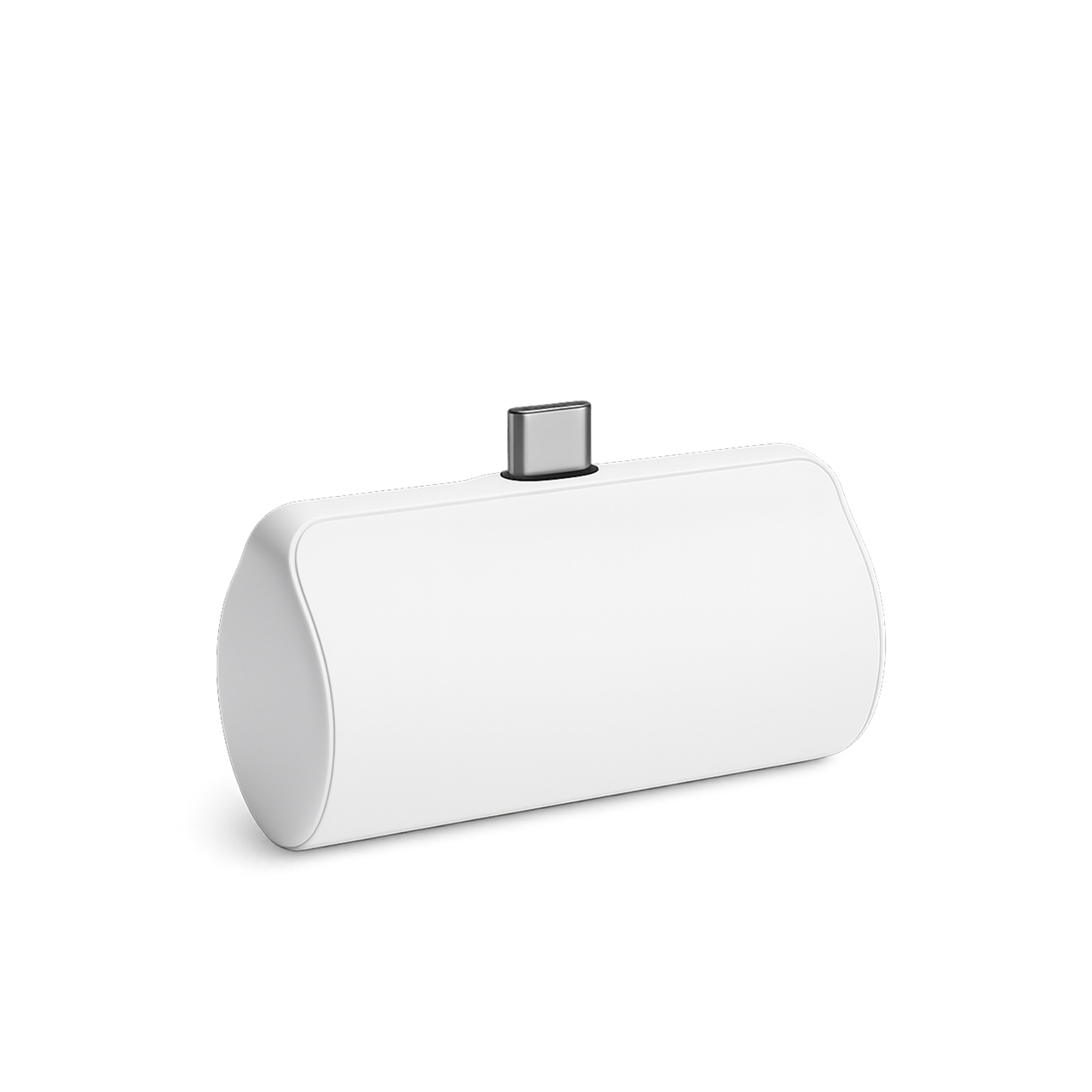
Small Battery Kit
*Mini Display Only*
- 3,300 mAh
- 6–7 hours battery life when fully charged.
- 3–4 hours needed to charge your battery.
Before you begin collecting, make sure the battery is charged.
To charge your battery:
- Plug the USB-C end of the 1-ft cable into the battery and the USB-A end into the wall adapter.
- Plug your wall adapter into a standard wall outlet to charge your battery.
Battery lights, what they mean:
Flashing Red lights - when charging.
Solid Red lights - fully charged.
Solid Blue lights - discharge of the battery.
Flashing Blue lights - battery charge is low.
No light - fully discharged
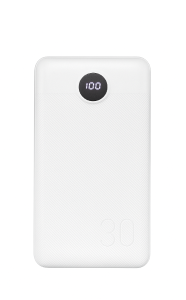
Large Battery Kit
- 30,000 mAh
- 18–24 hours battery life when fully charged and powering a single device.
- 7–8 hours battery life when fully charged and powering three devices.
- 12 hours needed to charge your battery.
Before you begin collecting, make sure the battery is charged.
To charge your battery:
- Plug the USB-C end of the 1-ft cable into the battery and the USB-A end into the wall adapter.
- Plug your wall adapter into a standard wall outlet to charge your battery.
Monitor the percentage readout:
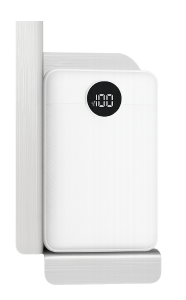
Large Battery Kit (with Framed Floorstand holder)
- 30,000 mAh
- 18–24 hours battery life when fully charged and powering a single device.
- 7–8 hours battery life when fully charged and powering three devices.
- 12 hours needed to charge your battery.
Before you begin collecting, make sure the battery is charged.
To charge your battery:
- Plug the USB-C end of the 1-ft cable into the battery and the USB-A end into the wall adapter.
- Plug your wall adapter into a standard wall outlet to charge your battery.
Monitor the percentage readout:
Watch the assembly instruction video to learn how to attach the battery holder to the Framed Floorstand.
-
1550 Yorkton Ct, Unit 8
Burlington, ON L7P 5B7 - 1-833-327-9244